Pay Outstanding Balances
Players and Team Contacts can pay both player fees and team fees by credit card through RAMP.
1. Go to the SAS Registration portal: https://www.rampregistrations.com/login?v3=31526c9470
2. Login to Your Account

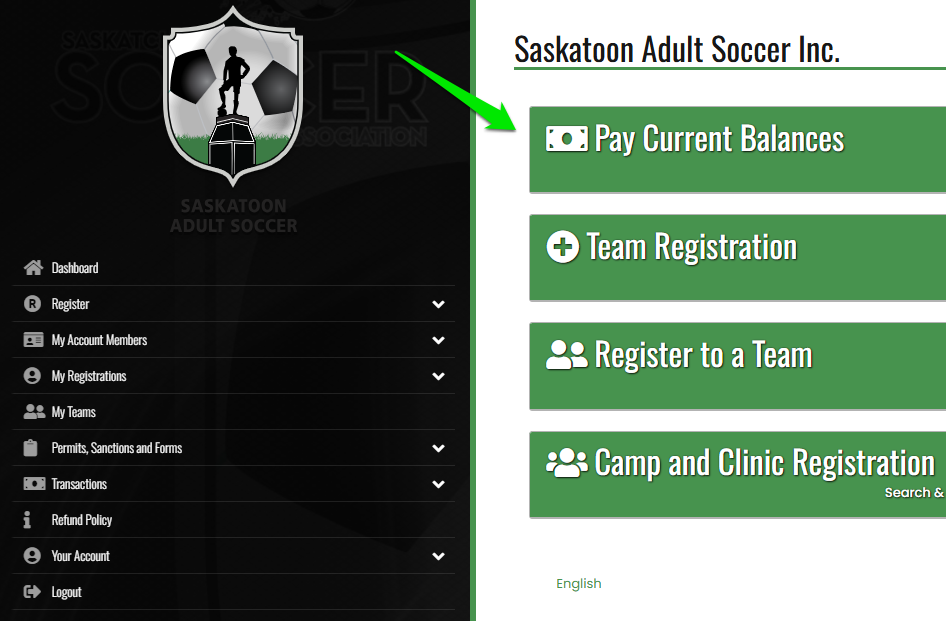
3.1 Click on Pay Outstanding Balances on the Right Side of the Dashboard page
OR
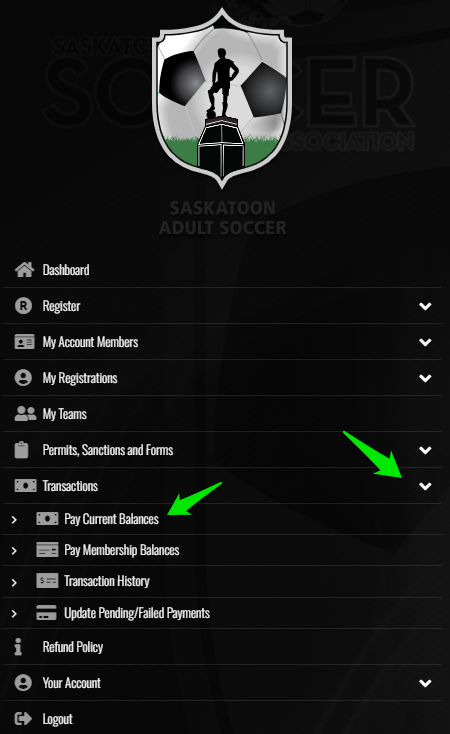
3.2 Click on My Transactions - Make a Payment
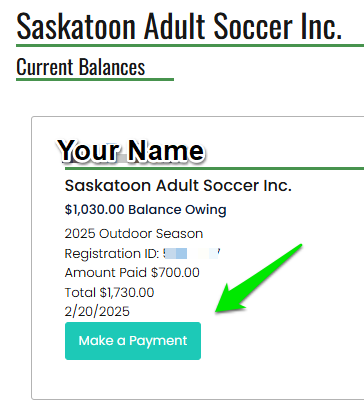
4. Click on Make a Payment
5. Follow the Prompts to Make Your Payment
6. Hit Submit.